
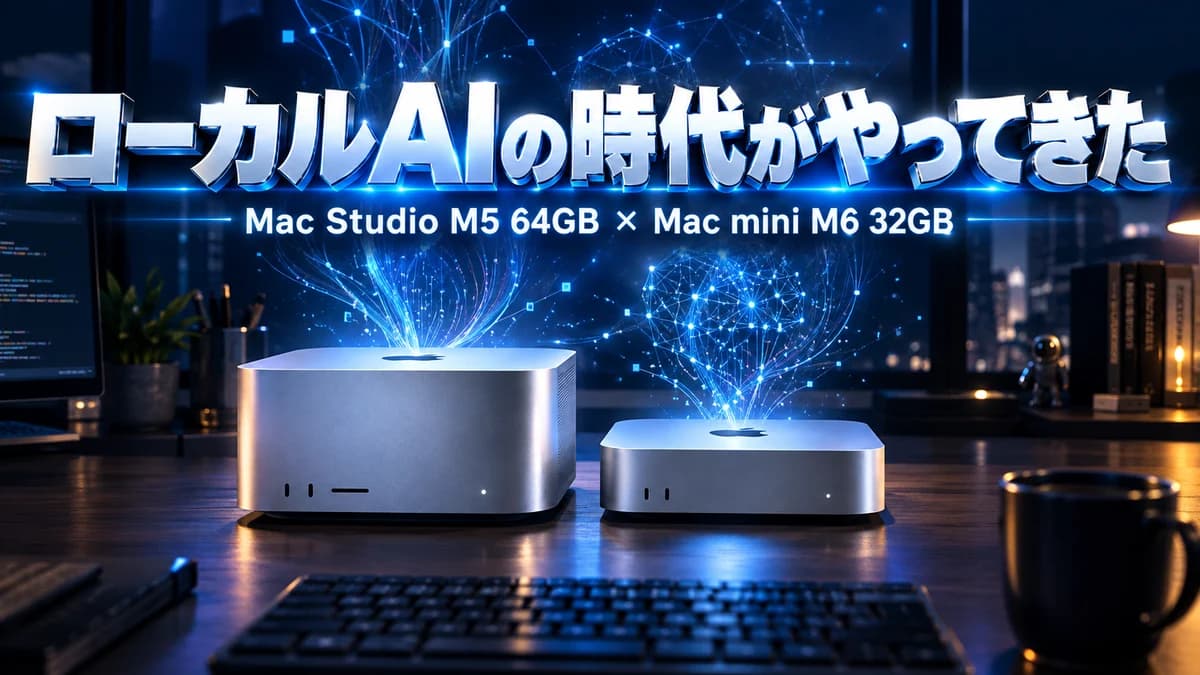

"16GB just isn't enough anymore." That's the conclusion I reached after using the Mac mini M4 I bought this March for about ¥100,000 every single day for six months. And now I've welcomed two newly released machines: a Mac Studio M5 Max with 64GB and a Mac mini M6 with 32GB.
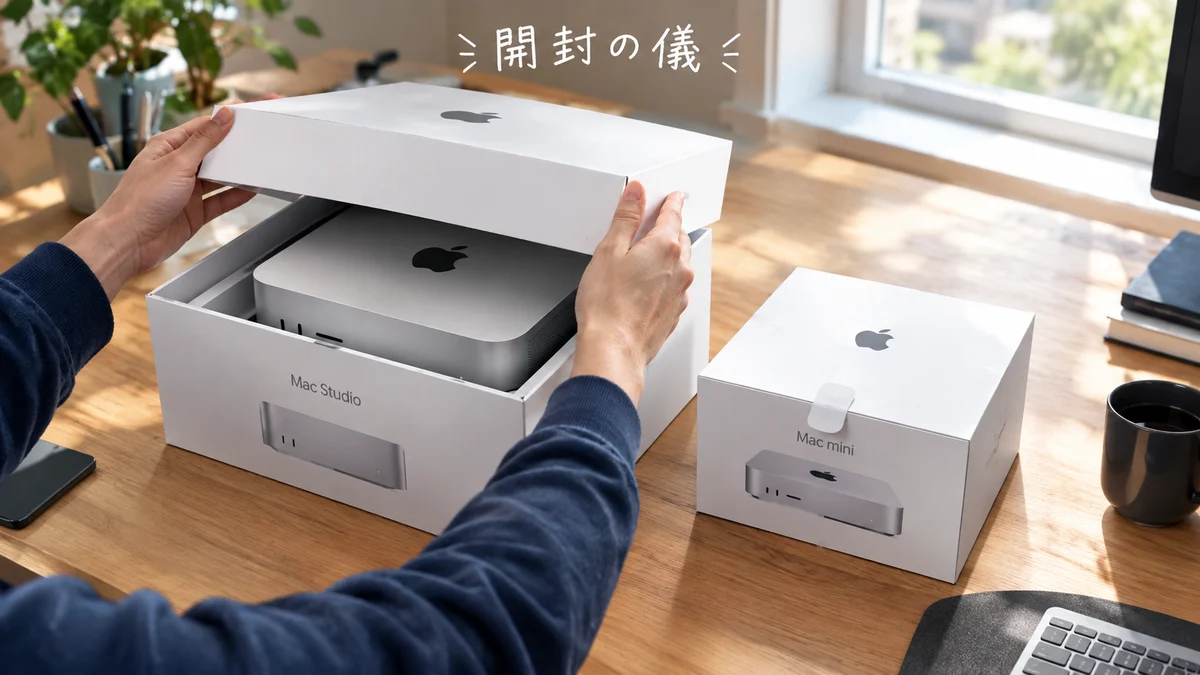
In this article I'll explain, from six months of hands-on experience, why I went with two machines, why I settled on "64GB" rather than "512GB," and what the "age of local AI" means for an individual developer. I also filmed the unboxing, so feel free to watch that too.
▶ Mac Studio M5 64GB vs Mac mini M6 32GB — Mac Studio Unboxing! The New Arrivals Are Here (YouTube)
Six months of running on a 16GB Mac mini
I bought my Mac mini this March for app development and system development. The main results were "TransferFriends" and "Denno Friends." Being able to release two apps in these six months is thanks to this cheapest-of-all Mac mini.
To be honest, though, 16GB of memory fills up in no time. Run a build, open a browser, start a development server, launch an AI agent — that alone used up the memory, and the Mac kept creating swap files (a mechanism that temporarily moves data to the SSD in place of memory). The occasional "sluggish" feeling was definitely caused by this.
Even so, it never got to the point where the stress made me want to give up. The reason was division of labor. Heavy work — image generation, training voice models and so on — went to a Windows 11 machine with an RTX 5090 and 128GB of memory. The Mac was the "command center that gives instructions and keeps development moving," and Windows was the "factory for heavy lifting." Because that split of roles meshed so well, I think I managed to get through six months on 16GB.
It was a well-made machine. It really worked hard for its price. I think its six months as my partner are a big reason I became a Mac "fan."
Why two machines? Mac Studio M5 64GB and Mac mini M6 32GB
The trigger for this purchase was news that new Macs were coming out. These are the two I chose:
- Mac Studio M5 Max / 64GB memory — the main battlefield for development and local AI
- Mac mini M6 / 32GB memory — a dedicated machine for always-on projects
This new lineup is actually slated to include a Mac that can hold a staggering 512GB of memory. But its rough price is around ¥5 million. That's far out of my reach.
After running the numbers, the "line where it pays back as an investment" was the 64GB Mac Studio. Here's the reasoning.
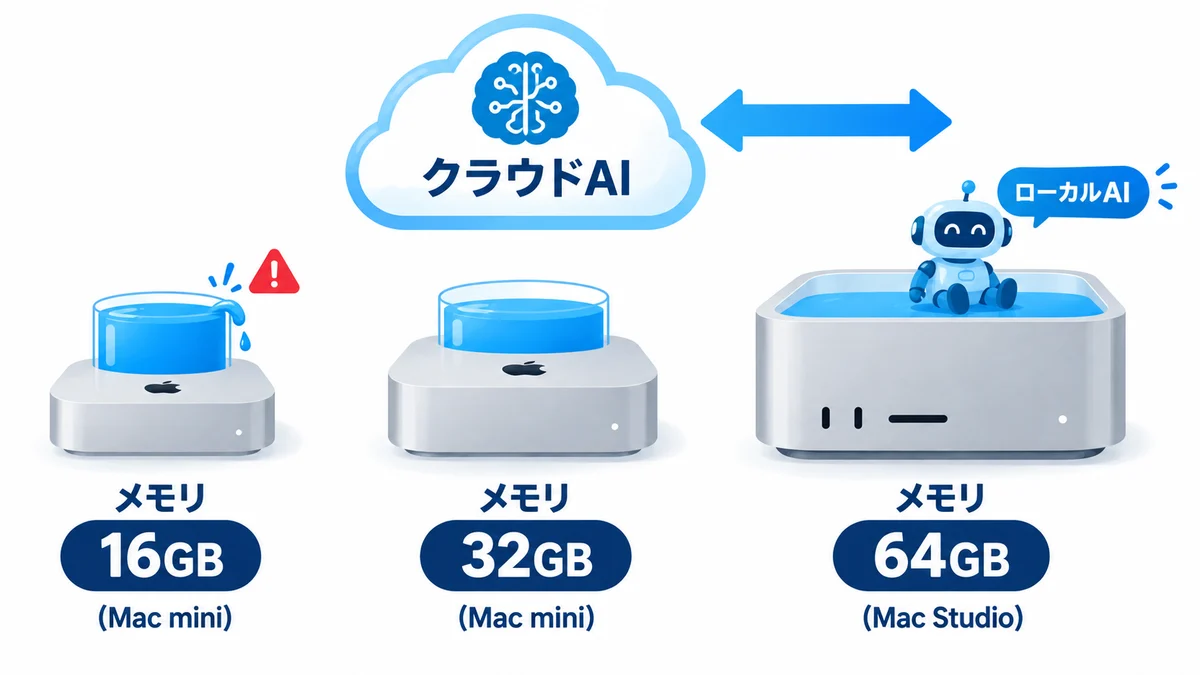
If you're serious about local AI (AI that runs entirely on your own computer), even 64GB is nowhere near enough. Nobody knows what things will look like in three years, but large models should keep relying on the cloud, and I think that relationship will continue. In that case, loading a local model of around 30GB into 64GB and running it alongside day-to-day development was the realistic sweet spot.
The Mac mini M6 is a machine for projects I want to keep running 24 hours a day without stopping. That's why I chose 32GB, the most memory available in that series. You might think, "The Mac mini M6 Pro can take 64GB," but my judgment was that if you're going to spend that much, you're better off buying the Studio. Because I clearly separated the uses, I had no hesitation about a two-machine setup.
The setup on my desk (how the work is divided)
It's hard to picture with words alone, so here's the current setup at a glance.
| Machine | Role | Memory | In a word |
|---|---|---|---|
| Mac Studio M5 Max | Main development + resident local AI | 64GB | Runs a 30GB-class model alongside development |
| Mac mini M6 | Always-on projects that never stop | 32GB | Latest 2nm, fastest single-core, power-efficient |
| Windows 11 / RTX 5090 | Heavy lifting like image generation and voice model training | 128GB | Everything that needs a GPU goes here |
| Mac mini M4 (old) | Main machine for six months → retired and handed over | 16GB | The hero that produced two apps for about ¥100,000 |
The key is "don't try to do everything on one machine." GPU work goes to Windows, always-on work to the Mac mini, and thinking-heavy development and local AI to the Mac Studio. If each machine only does what it's good at, none of them has to strain. That division of labor is also why I could get by on 16GB for six months.
"The newest chip goes in the lowest model"
— Apple's way
What's interesting is that this time the newest M6, built on a 2nm process, is in the Mac mini, the lowest model in the lineup. And right now, this M6 has the highest single-core performance. The higher-end Mac Studio is ruled by the M5 Max, made on a slightly older process.
There are probably several reasons it ends up this way every time:
- A new manufacturing process takes time to mature
- Building large CPUs/GPUs on that process takes even more time
- The cutting-edge chip also serves as a way to "try it out in something small first"
In other words, building a huge chip on the newest process right away is risky in both hardware and software terms. For things that need stability and performance, proven technology is the better fit — that's the thinking.
I chose by the same logic. The mature M5 Max for the main battlefield where I need performance, and the newest M6 for the machine that runs all the time on single-core speed and power efficiency. Apple's way and my own split happened to line up neatly.
I barely touch macOS
This may surprise you, but I'm not very good with macOS. The reason I could still develop on a Mac for six months is that I don't operate the Mac directly.
My style is "just give instructions and let things run automatically." I look at the Mac from my Windows screen and ask the AI, "Do this." Builds, deployments, file organization — it's the AI that operates the software inside the Mac. So it feels like I'm only borrowing the Mac's performance, and I never even needed to get used to macOS. I don't think I've ever personally opened most of the apps installed on that Mac.
That's not a joke; it's how development actually works today.
An era where "what you want becomes real as-is"
Counting generations from the first iPhone, it's been about 15 years. In those 15 years, the landscape of development has completely changed.
In the past, if you wanted to make an app, you had to hire someone, hold meeting after meeting, nail down the specs, and meet again for every revision — it was hard work and cost a lot of time and money. Now it takes shape with just me, at this cost, and incredibly fast. Releasing two apps in six months is something the old me could never have imagined.
If I had tried to do everything by hand, there wouldn't have been nearly enough time. I've been running this setup since March and I'm only just getting used to it. Even so, the feeling that "what I want becomes real just as I imagined it" has been genuinely moving.

Second stage: local AI gives me more "hands"
And now is my second stage.
The old 16GB Mac mini didn't have a single millimeter of room for local AI. Development alone filled the memory, so I had no choice but to rely on the cloud for all AI.
With the 64GB Mac Studio, I can keep a 30GB-class model resident locally while running development. Prepping radio scripts, first-pass checks of posts, small classification and summarization tasks — data I don't want to send outside and jobs called hundreds of times can be handled right on my desk. "I've gained more hands" is the closest way to put it.
Concretely, here's how I'm thinking of using it:
- Pre-processing for cloud AI: First summarize and classify long documents and large logs locally, and pass only the decisions that truly need brains to a big cloud model. Fewer round trips mean lower costs and less waiting
- Processing data I don't want to send out: Things close to personal information, like addresses and contracts, stay on my desk. Locally, no network traffic happens at all
- Unattended late-night work: While I sleep, a local model can check article drafts and organize audio materials. Since there's no cost except electricity, I can "just have it do everything"
The cleverness of the cloud and the ease of local. Not one or the other — I can now keep both on my desk. That's what my second stage feels like.
Honestly, I want more memory. But getting greedy makes the price jump outrageously, and it stops making sense as an investment. So I kept it to 64GB. Hardly any swap files, and app development runs steadily. In terms of cost performance, it feels like just the right line for me right now. Depending on the task, I can even see running things locally alone without the cloud.
For those choosing now: my yardstick
If someone asks me "Which Mac should I buy?", I start with memory. More than the CPU generation, if you run development and AI at the same time, the amount of memory is everything.
- Just want to start developing → A 16GB Mac mini is enough to compete. I've proven it. But assume AI will be in the cloud
- Want to run local AI while developing → 32GB tops out at smaller models. If you're serious, 64GB or more
- Huge models at hand → 128GB or more. But the price jumps, so calculate first whether the investment will pay back
For me, 64GB was the "line that pays back." That line differs from person to person. I think what matters is deciding not by the performance you want, but by the amount you can earn back.
What individuals can do in the age of local AI
I believe the age of local AI has arrived. That doesn't mean "the cloud is no longer needed." Big brains in the cloud, hands-on work locally. It means we've entered an era where an individual can build that two-layer structure with machines costing ¥100,000 to a few hundred thousand yen.
Six months ago I started out on a 16GB Mac mini; now I have a 64GB Mac Studio and a 32GB Mac mini side by side on my desk. What I'll build with these two — I plan to share the results here on "mitemite" as they come. I hope you'll look forward to it.
First, please enjoy the unboxing video.
▶ Mac Studio M5 64GB vs Mac mini M6 32GB — Mac Studio Unboxing! (YouTube)