


TransferFriends Major Update — Encounters No Longer End on the Spot
Have you ever been suddenly approached by a foreign visitor while traveling abroad or at a tourist spot, and found yourself unable to get the words out? From the foreign tourist's point of view, asking directions from someone who only speaks Japanese must be even more nerve-wracking.
TransferFriends is an app built to solve exactly that "we just can't understand each other right here, right now" problem. Its defining feature is that you can have a real-time conversation even where there's no signal. Once you've downloaded the app to your smartphone, you can talk with the person in front of you entirely offline, on the device itself.
Say a foreign tourist at a famous sightseeing spot in Kyoto suddenly asks you for directions in English. Even with poor reception, as long as you have TransferFriends, you can answer while translating on the spot — that is the app's core reason for being.




It doesn't matter if you haven't arranged pocket Wi-Fi or international roaming, or if you're in the mountains or a basement where there's no signal at all. Because the app itself does the translation locally (on the device), communication works without depending on network conditions. "Talking across the language barrier with whoever happens to be there" has been the heart of TransferFriends until now.
Here is the previous article:
https://mitemite.net/articles/f59ac235-679d-43cc-84d4-7e9a1b873cce
This time, I'll walk you through what's in the major update.
The biggest evolution: from "just for the moment" to "staying connected afterward"
Until now, TransferFriends was an app you could only use while you were face to face in real time. Once the conversation ended, that was it. There was no way to stay in touch.
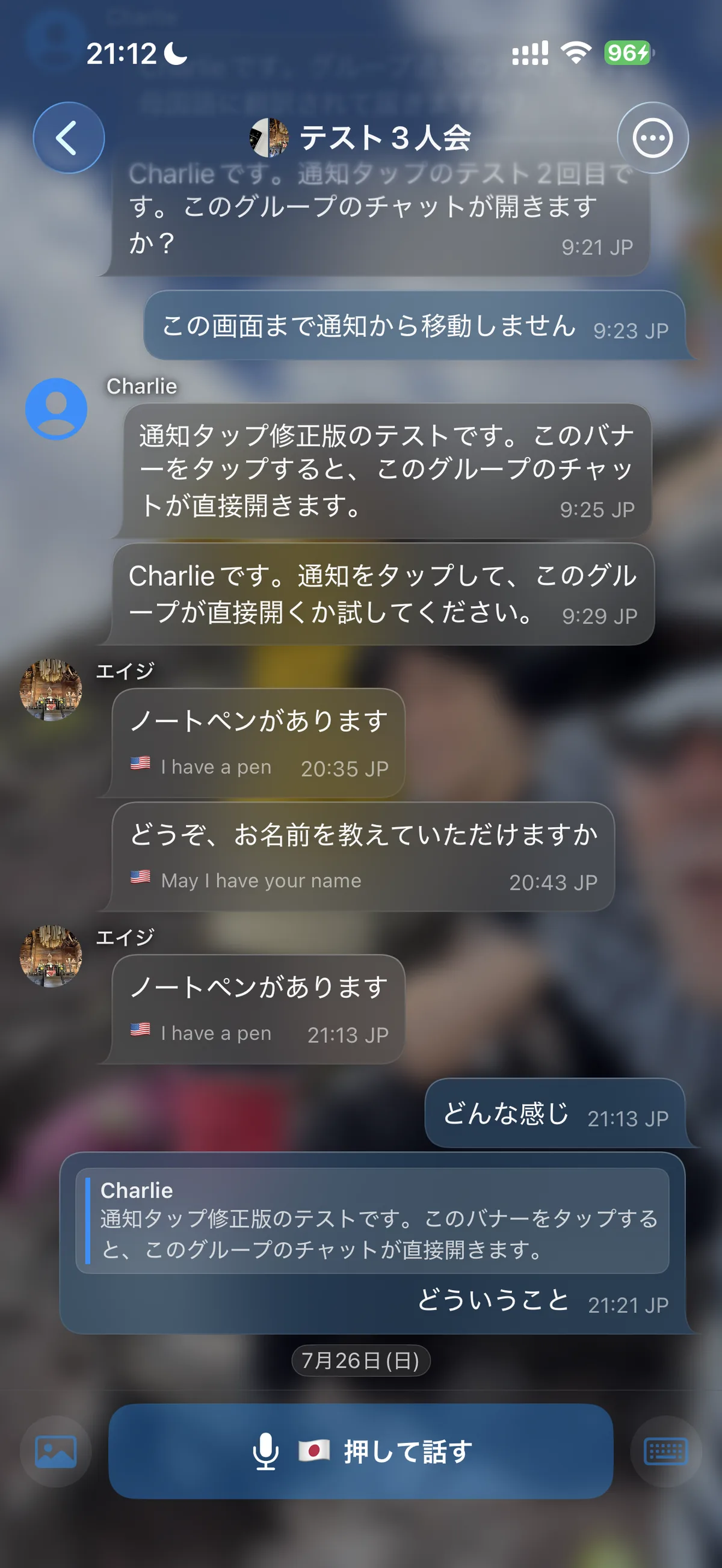
With this update, it supports online connections for the first time. A relationship that used to exist "only in the moment you meet" can now continue afterward. And it supports not only one-on-one chats but group chats with several people as well.
For example, say you hit it off with someone on a trip and they say, "Let's talk again sometime." You can connect right there via QR code or Bluetooth, and if they already use something like LINE, you can send them a link to that too.
Of course, it's not just about connecting. It's designed so that communications are encrypted and exchanged while keeping them confidential. Even if you're hesitant to swap contact details with someone you've just met on a trip, you can use it with peace of mind.
Until now, TransferFriends was an app built around "ichigo ichie" — the idea of a once-in-a-lifetime encounter. No matter how lively the conversation got on the spot, once you parted you could never contact each other again — that was just how it was. The biggest point of this update is that you can now turn that "once-in-a-lifetime encounter" into "a connection that continues."
Works even with people who don't have the app
Sometimes the person you meet hasn't downloaded TransferFriends yet. For those cases, there's also a QR code that lets you leave information in a memo field.
This mechanism assumes "there's no signal here right now." Even if they can't download the app on the spot, you can leave just the contact details in a memo first, and then download the app and connect properly later once they have a signal.

Your profile is now a "business card"
Another big change is the redesigned profile. Beyond setting a cover photo, social media links and memos, it now automatically shows where and when you met. Because it's linked with Google Maps, you can look back on "where" and "when" you met, complete with a map.
Before, the only clues were a name and a photo, so as time passed it was easy to end up thinking, "I can't remember who this was." With a business-card-style profile, the place and time you met make it easier to pick the conversation back up. Being able to recall someone together with the memory — "that person I met in Kyoto back then" — is a welcome feature for anyone who treasures encounters on the road.
On a trip where you meet many people at once, it's easy to lose track of "who was who" when you look back later. If the profile keeps objective information like place and time, gazing at the map can even bring back the memories of the trip itself — "Oh right, on this day, at this place, we had that conversation."
Revamped photo and album features
The album feature, where you can exchange photos and share memories from your travels, has also been strengthened. Photos taken together and the scenery of the moment can be kept in an album as shared memories.
One thing to be careful about: all of these photos are stored only on the device. They aren't kept on a server, so you'll need to be careful when you change phones. A backup feature to prepare for phone changes is planned.
Put the other way around, storing them on the device means the photos you took or received on your trip don't remain on any external server through TransferFriends. You could call it a privacy-focused design, but so that you don't end up with "they disappeared when I changed phones," it's safest to save important photos yourself until the backup feature is available.
Chat is much easier to use
The newly added online chat now includes the following features:
Reactions: Add a sticker-like reaction to a message. Use it instead of a simple "Got it" reply, or to mark a pause in the conversation
Unsend: Take back a message you sent by mistake
Edit: Fix a message after it's been sent
Copy: Copy the text of a message as is
These feel much like the chat apps you use every day, such as LINE, so there's nothing special to learn. Even when messaging someone overseas, you can chat just as you always do.
86 languages supported — though translation accuracy varies
Supported languages have jumped to 86. Covering this many languages entirely on the device, without connecting to a network, is a big technical challenge.
To be honest, though, more than 60% of the supported languages are so-called minor languages, and since the translation is local, there are unavoidable limits. In some situations the translation will be at the level of "the meaning more or less gets across," so for exchanges where accuracy matters, I recommend choosing a major language whenever possible.
Still, the fact that translation for as many as 86 languages works with no signal at all will undoubtedly ease much of the "can't make myself understood" anxiety on a trip. For major languages such as English, Chinese and Korean you can have practical exchanges, and even for other minor languages it covers you to the level of "the general meaning comes through." If you see it not as a demand for perfect translation but as a tool to "get through the moment somehow," TransferFriends' strengths really shine.
Introducing the support AI chat
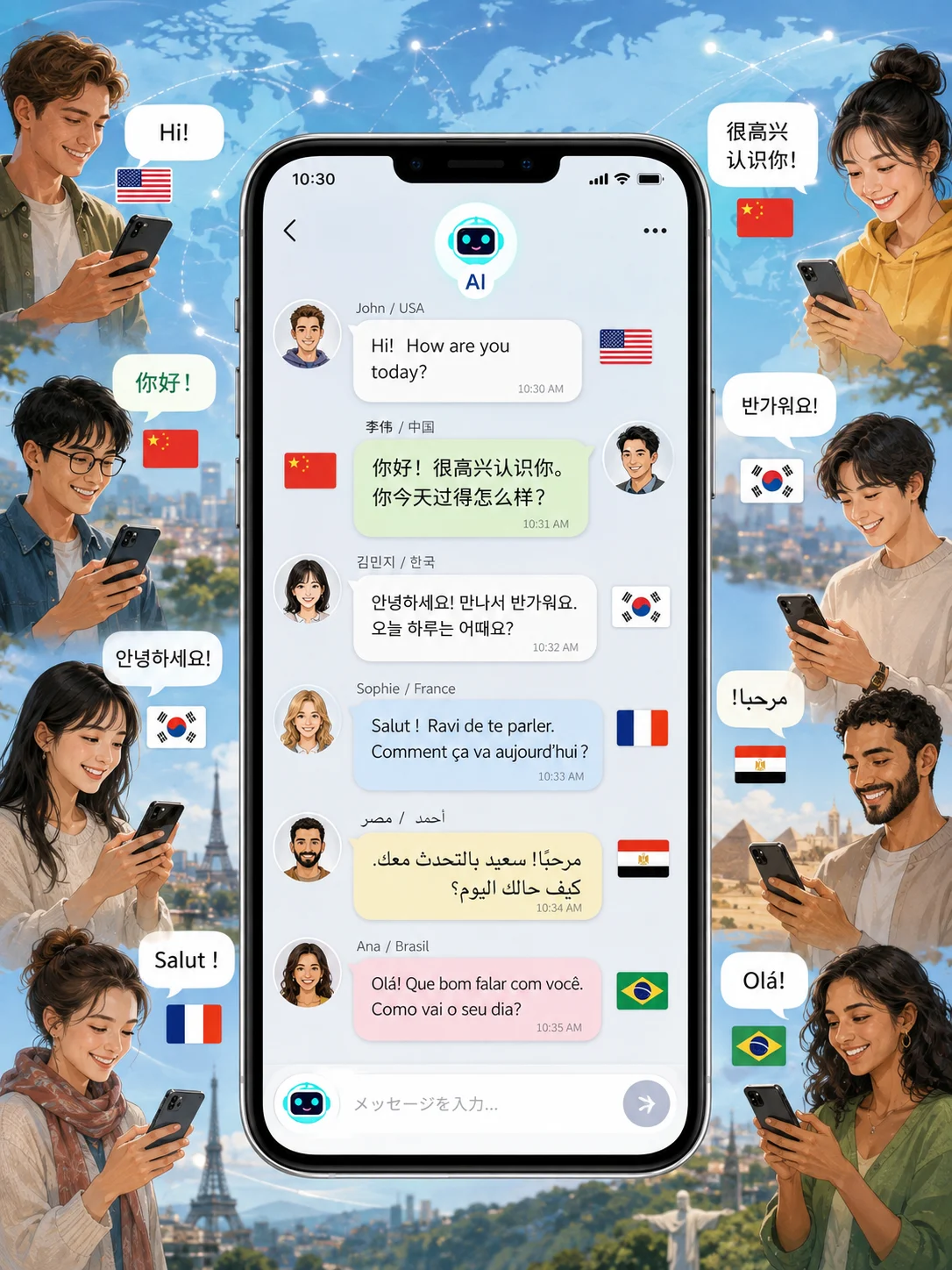
When something about using the app was unclear, it used to be hard to know where to ask. This time, a new AI chat feature that connects directly to the operators has been added.
This AI chat also supports 86 languages, so users anywhere in the world can ask the AI questions and learn how to use the app without going through a person. The app itself is simply built, but new features always raise questions the first time you use them. The AI handles those voices first, and anything the AI can't resolve is passed on to the operators as a message, to be improved in upcoming updates.
In other words, TransferFriends aims to be not an app that's done once it's released, but an app that keeps evolving while taking in users' voices. This major update is itself the result of reflecting exactly that kind of user feedback. Going forward, features will continue to be refined based on the questions and requests sent to the AI chat.
Where it comes in handy
This really happened: at a tourist spot, a foreign visitor suddenly spoke to me in English, and I was flustered, unable to answer. Even then, I used TransferFriends and somehow managed to respond on the spot.
This kind of confusion, which wouldn't happen between Japanese people, arises simply because "I don't understand the language." And in today's society there's a vague sense that "surely even Japanese people can speak a little English," so quite a few people feel self-conscious about not being able to.
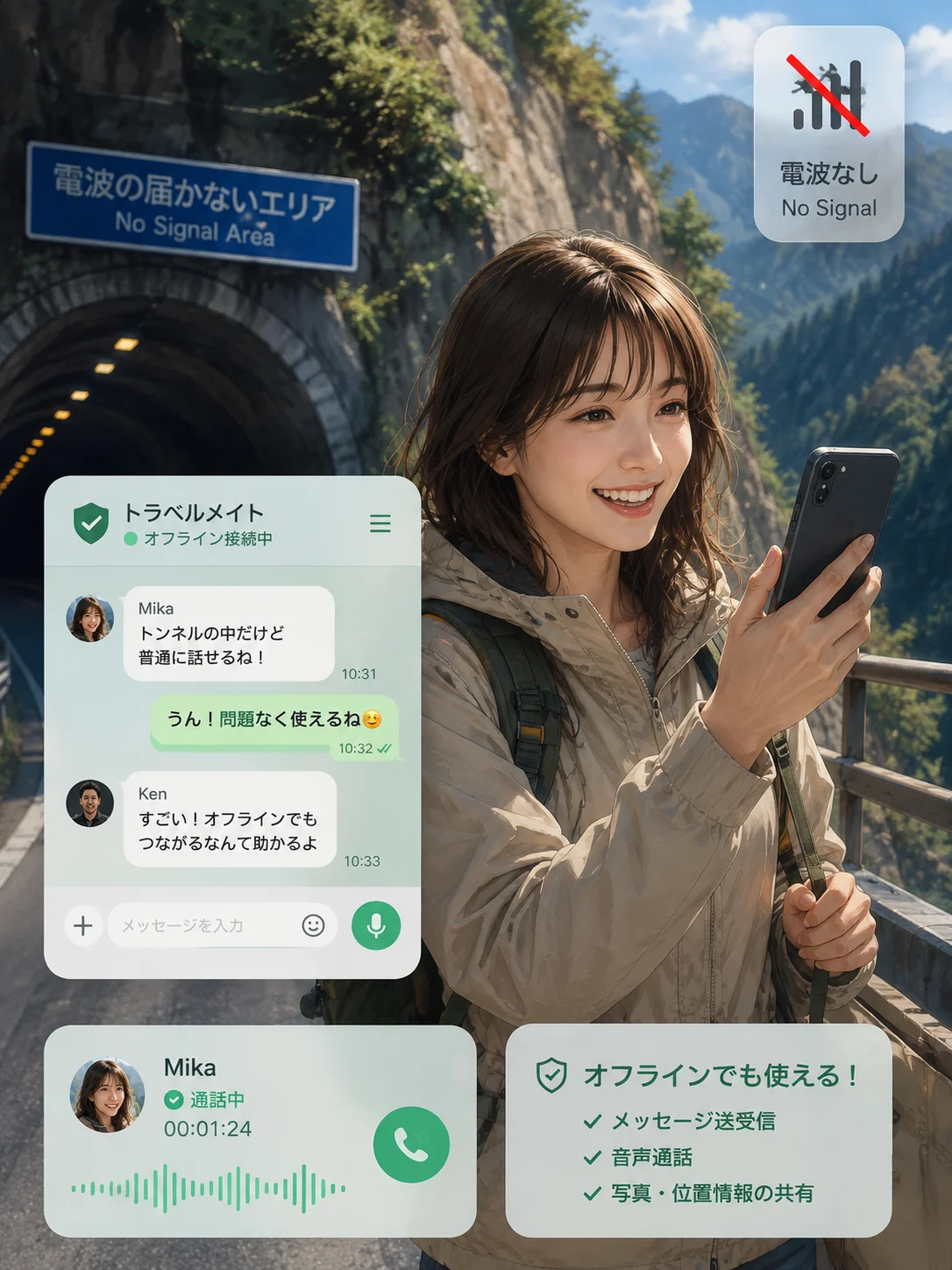
On the other hand, TransferFriends is also a reliable ally when Japanese people travel abroad. Especially in places where the signal tends to be unstable — on planes, in tunnels, in mountainous areas, in building basements — the peace of mind of being able to talk regardless of network conditions should be significant. Being freed from the very worry that "there might be no signal" is a huge advantage when traveling.
Network conditions overseas vary greatly by country and region, and it's not unusual to find "the signal was weaker than I expected once I got there." In the sense that you don't have to worry about that uncertainty, TransferFriends may be closer to "travel insurance" than to a translation app. And with this update, it no longer stops at peace of mind in the moment — you can now keep your connection with the people you meet afterward, too.
Summary
The essence of this update is that TransferFriends has evolved from "a translation tool for the moment" into "an app that keeps encounters connected afterward."
Online support enables one-on-one and group chats (safe with encryption)
People who haven't downloaded the app can connect later via a memo QR code
Profiles work like business cards, letting you look back on where and when you met on Google Maps
Revamped album feature (photos are stored on the device — take care when changing phones)
Basic chat features implemented: reactions, unsend, edit, copy and more
86 languages supported (the more major the language, the higher the translation accuracy)
The support AI chat answers questions in 86 languages
Don't let a fleeting encounter on the road be a one-time thing. With this update, TransferFriends has taken that new step.
TransferFriends: https://apps.apple.com/jp/app/transferfriends/id6782616187